
01 / What can move
Separate scheduled work from work that is ready now.
Appointments, repair orders, bay assignments, and current status stay distinct so a scheduled job is not mistaken for work that can move now.
BayOps by True Crew / Automotive repair
In active developmentBayOps by True Crew is in active development for independent repair shops, with current workflows covering bay capacity, technician assignments, blocked work, and next-step ownership.
Current workflow availability is reviewed during each walkthrough.
Bay Board
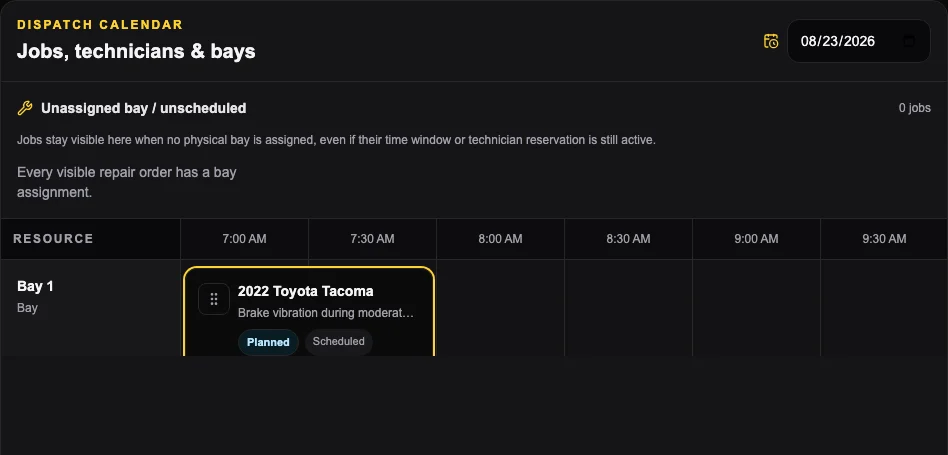
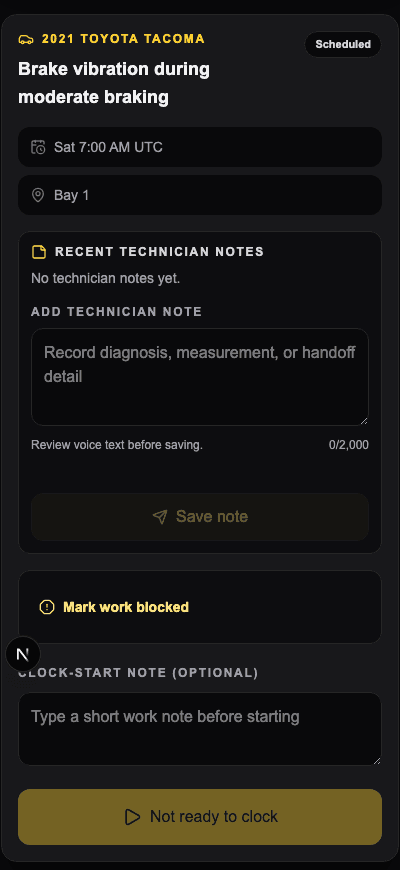
The Bay Board separates scheduled work from jobs that are actually in the shop so bays, technicians, blockers, and the next step stay visible as the day changes.
01 / What can move
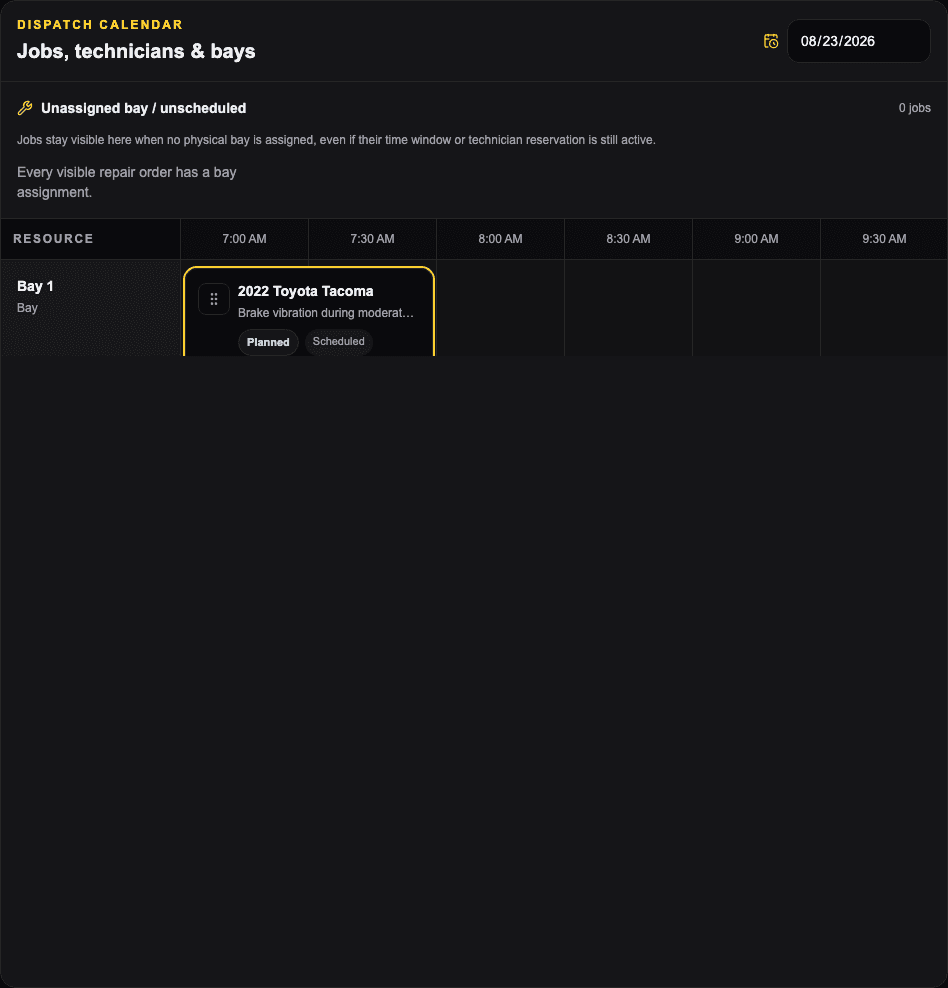
Appointments, repair orders, bay assignments, and current status stay distinct so a scheduled job is not mistaken for work that can move now.
02 / Bay ownership
Bay assignment is visible and can be changed without losing the repair order or its status.
03 / Technician ownership
Technician assignment stays with the repair order and carries into the technician's My Work queue.
Current shop workflow
Scheduled work, repair-order status, bay assignments, technician assignments, and blockers stay visible so the team can see which job can move next.
Repair order + technician
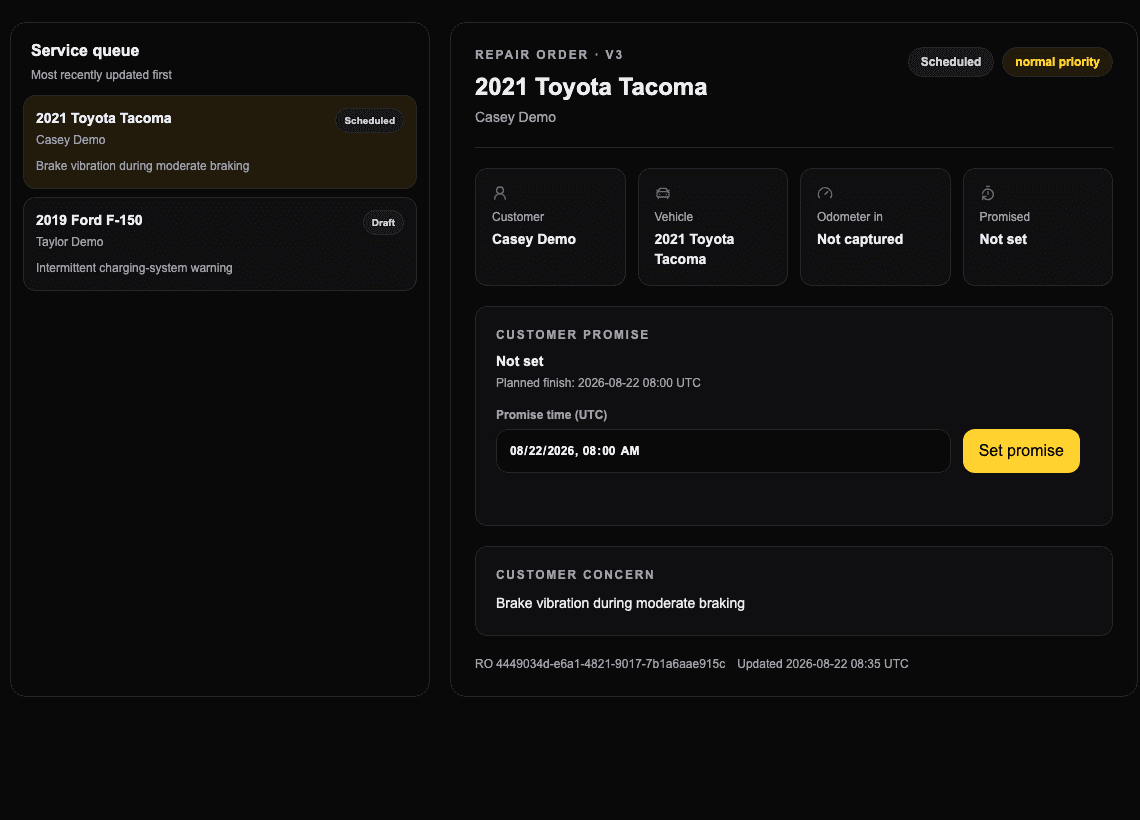
The screens below use sanitized demo data from the current BayOps workflow.
Evaluate BayOps
Use a real repair order to compare BayOps with the way your shop schedules bays, assigns technicians, handles blockers, and completes work.
Request a BayOps walkthrough