Menu

CoatOps by True Crew / Painting operations

Stop rebuilding the job after the estimate is approved.

CoatOps keeps approved scope, schedules, crew work, changes, photos, punch items, and closeout tied to the same painting job.
CoatOpsPainting job control
Sanitized demo data
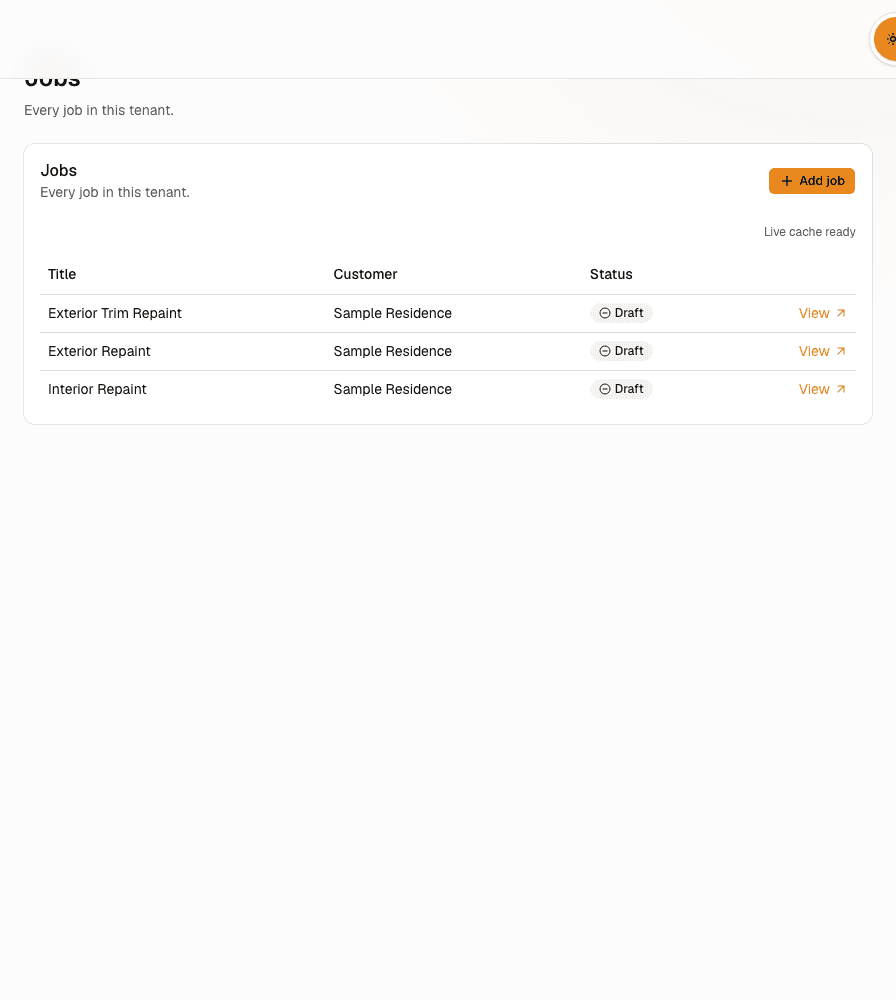
CoatOps job operations view using sanitized demo data
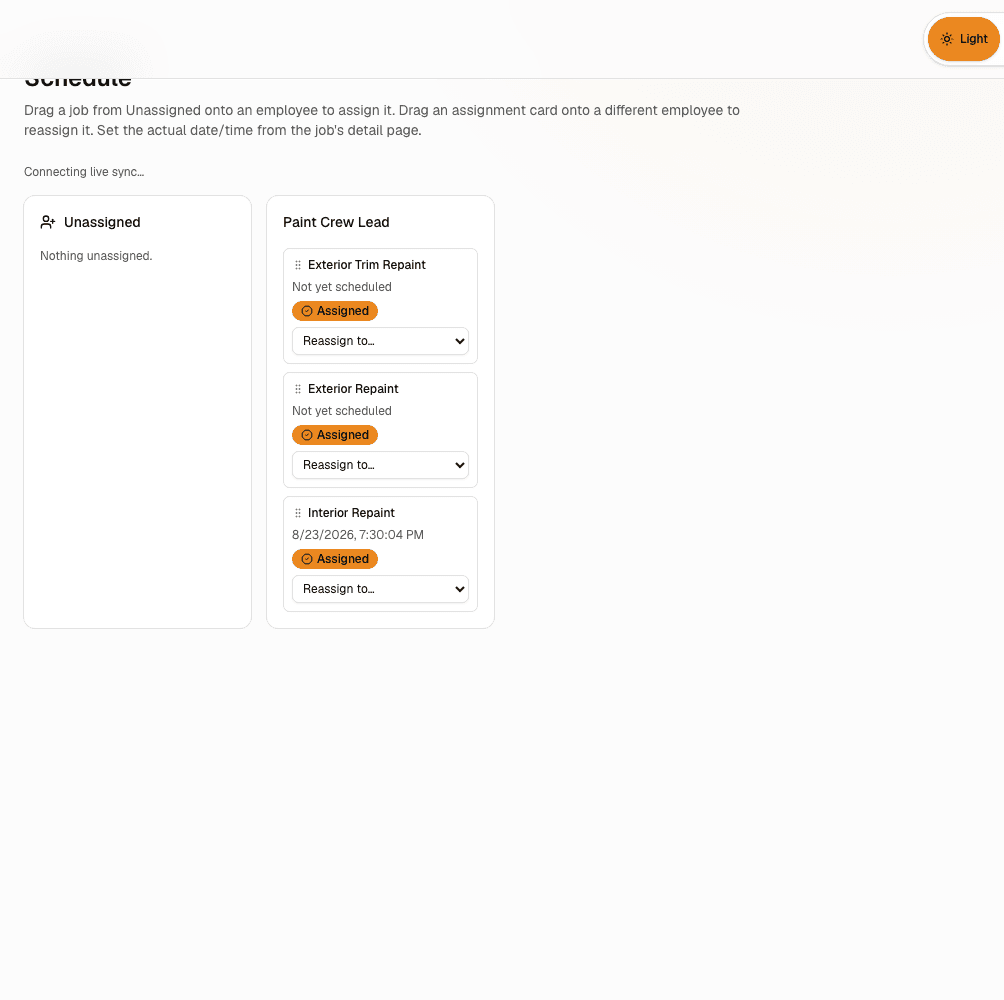
CoatOps crew schedule using sanitized demo data
Crew schedule

Approved scope → closeout

Keep the approved scope with the job through closeout.

The job should not become a new record every time it moves from estimating to production, from project manager to crew, or from field completion to closeout.

01Approved estimate
02Proposal / scope
03Job planning
04Crew scheduling
05Crew work
06Change work
07Photos & records
08Punch / closeout

CoatOps in operation

Keep job planning and crew work on the same record.

The screens below use sanitized demo data from the current CoatOps workflow.
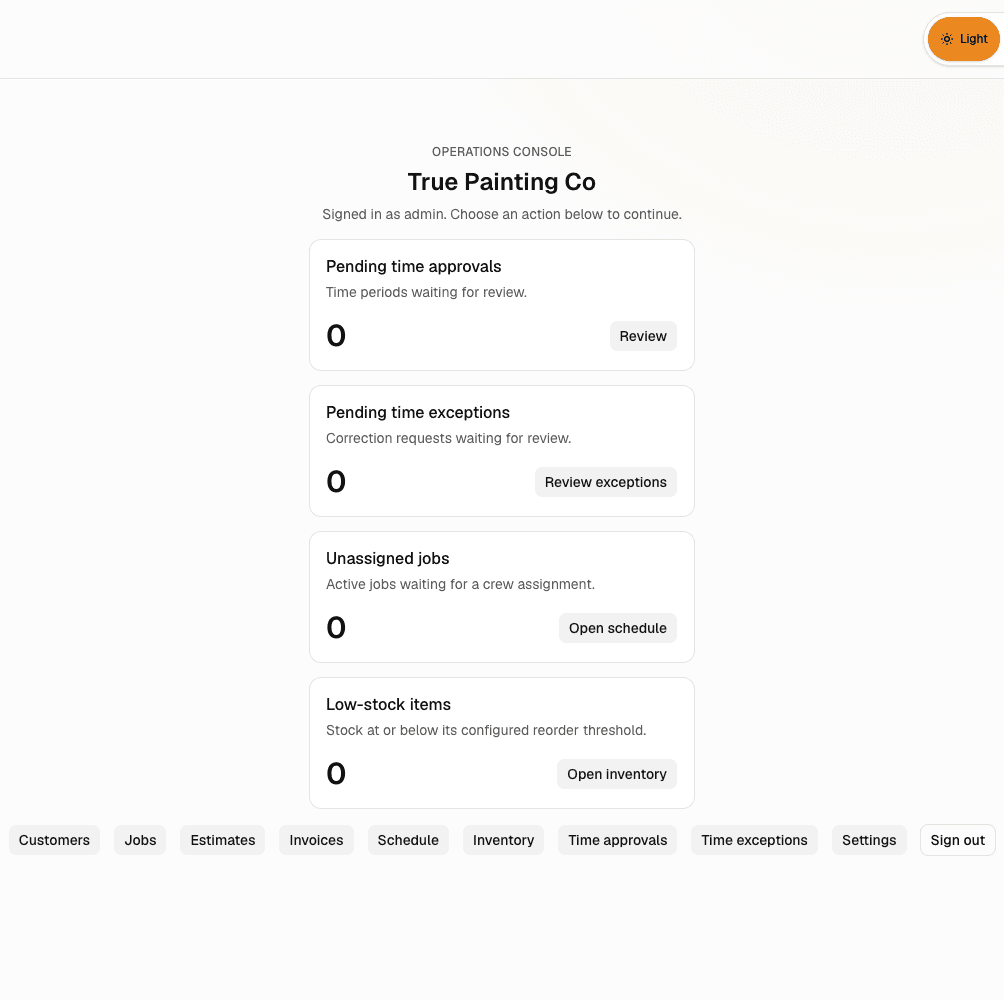
CoatOps operations center in a demo painting workspace
01 / Job overviewDemo workspace
CoatOps painting jobs list using non-customer sample records
02 / Painting job recordNon-customer sample data
CoatOps crew scheduling view using a demo painting workspace
03 / Crew assignmentDemo workspace
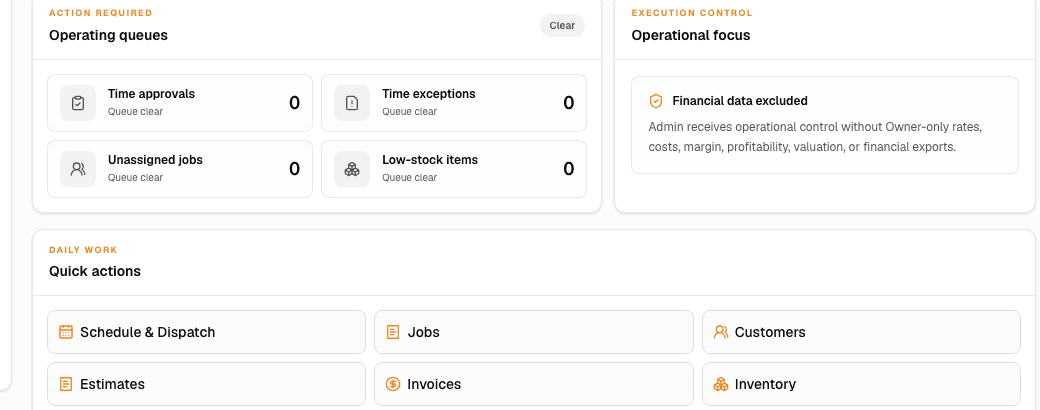
Marketing-safe CoatOps operations preview using non-customer sample data
04 / Operations overviewSanitized demo data

Keep what was sold

The details that won the job stay with the job.

The job starts from what was approved instead of asking the project manager or crew to rebuild the scope.

Schedule work that is ready

Crew schedules stay connected to the job.

The schedule keeps the job details the crew needs instead of acting like a separate calendar.

Field updates

Bring field updates back to the same job.

Time, forms, photos, notes, changes, materials, punch items, completion records, and invoice records stay connected to the painting job as it moves toward closeout.

  • Customer and painting job-site records
  • Estimates, proposals, approvals, and signatures
  • Painting jobs, approved scope, and change orders
  • Crew scheduling, assignments, and field work
  • Time entries, approvals, and clock history
  • Material inventory and equipment visibility
  • Job costs
  • Forms, photos, documents, and completion records
  • Punch and closeout records
  • Invoice records

Evaluate CoatOps

Bring one real painting job. See how it moves from estimate to closeout.

Use one of your real jobs to see how CoatOps handles scope, scheduling, crew work, changes, photos, punch items, and closeout.

Request a CoatOps walkthrough